We're excited to announce that Vist now integrates with Google Calendar. Your upcoming meetings appear right alongside your tasks, so you always know what's next without switching tabs.
How it works
Go to Settings → Integrations and connect your Google account.
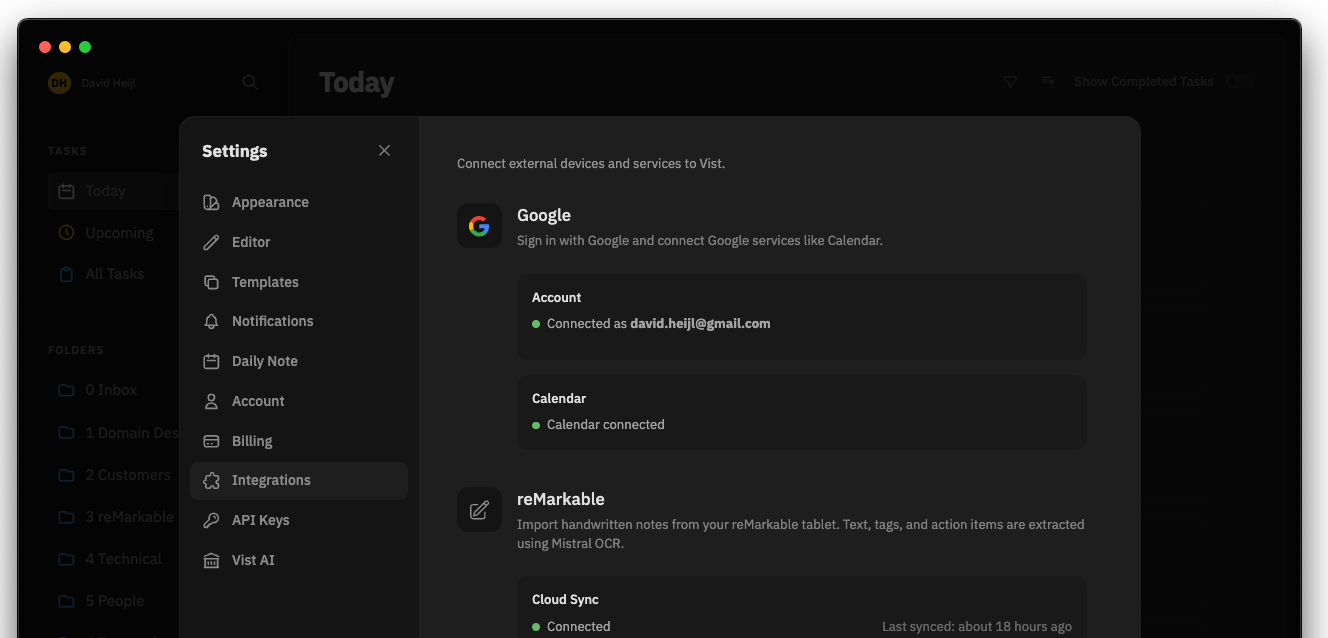
Vist requests read-only access — we never modify your calendar.
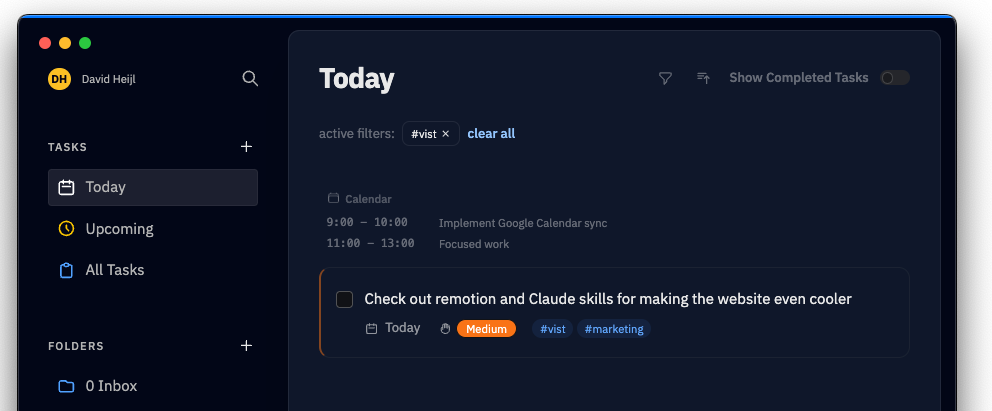
Today's events appear in a subtle card above your task list.
Why read-only?
Privacy is non-negotiable. Vist only reads your calendar to show you what's ahead. We don't store event data beyond a short cache, and you can disconnect at any time.
What's next
We're exploring deeper calendar features — like auto-suggesting due dates based on your availability. If you have ideas, we'd love to hear them.